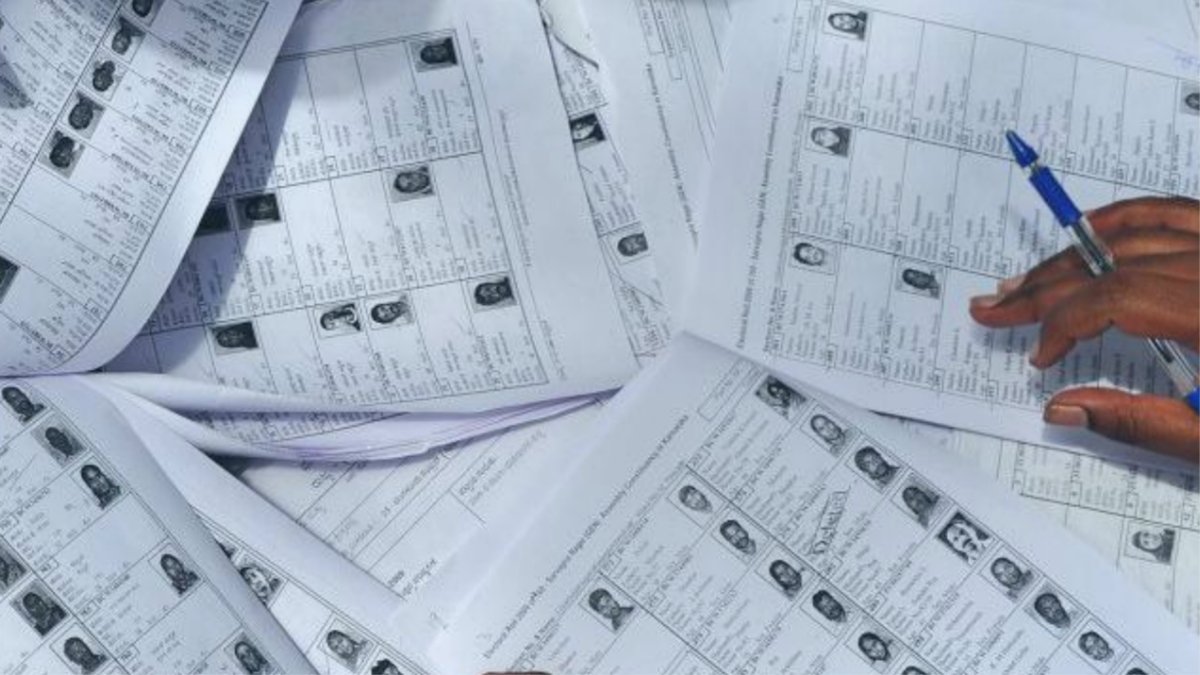
The Election Commission of India (ECI) on February 23, 2026, officially published the Final Electoral Roll for Tamil Nadu following the conclusion of the Special Intensive Revision (SIR) exercise conducted with January 30, 2026 as the qualifying date. The final list will form the basis for voter eligibility in the upcoming state assembly elections.
According to the Chief Electoral Officer of Tamil Nadu, Archana Patnaik, the revised electoral roll now includes 5,67,07,380 registered voters. This figure comprises 2,89,60,838 women, 2,77,38,925 men and 7,617 third gender electors. The roll also reflects the inclusion of 12.51 lakh electors aged 18–19, 4.63 lakh persons with disabilities, and 3.99 lakh senior citizens above 85 years of age, reflecting demographic updates following the SIR process.
How to Check Whether Your Name Is in the Final Electoral Roll
Voters can verify their inclusion in the final electoral roll using official Election Commission portals. Below is the step-by-step process:
1. Search Using EPIC Number on Electoral Search Portal
1. Open your web browser and visit the Election Commission’s Electoral Search portal:https://electoralsearch.eci.gov.in/
2. On the homepage, enter your EPIC Number (Elector’s Photo Identity Card number) and State in the search field.
3. Type the Captcha shown on the screen for verification and click Search.
4. The search results will display your electoral details, including your polling part number and related constituency information if your name is in the final roll.
2. Download and Verify the Electoral Roll PDF
1. Once you have your part information, visit the National Voter Services Portal run by the Election Commission:https://voters.eci.gov.in/
2. On the homepage, select the “Download Electoral Roll” option.
3. In the download section, enter the required details such as, State (Tamil Nadu), District, Assembly Constituency and Roll Type as ‘SIR FinalRoll 2026’.
4. Select your ‘Part No and Part Name’. After entering the Captcha shown on the screen, click Download. This will generate a PDF of the final electoral roll for your specific part.
5. Open the downloaded PDF file and search your name to confirm your registration status.
If a voter’s name is not found on the final list after these searches, they may need to contact their Booth Level Officer (BLO) or submit Form 6 for inclusion in future electoral rolls, following the Election Commission’s procedures.
– Magizh